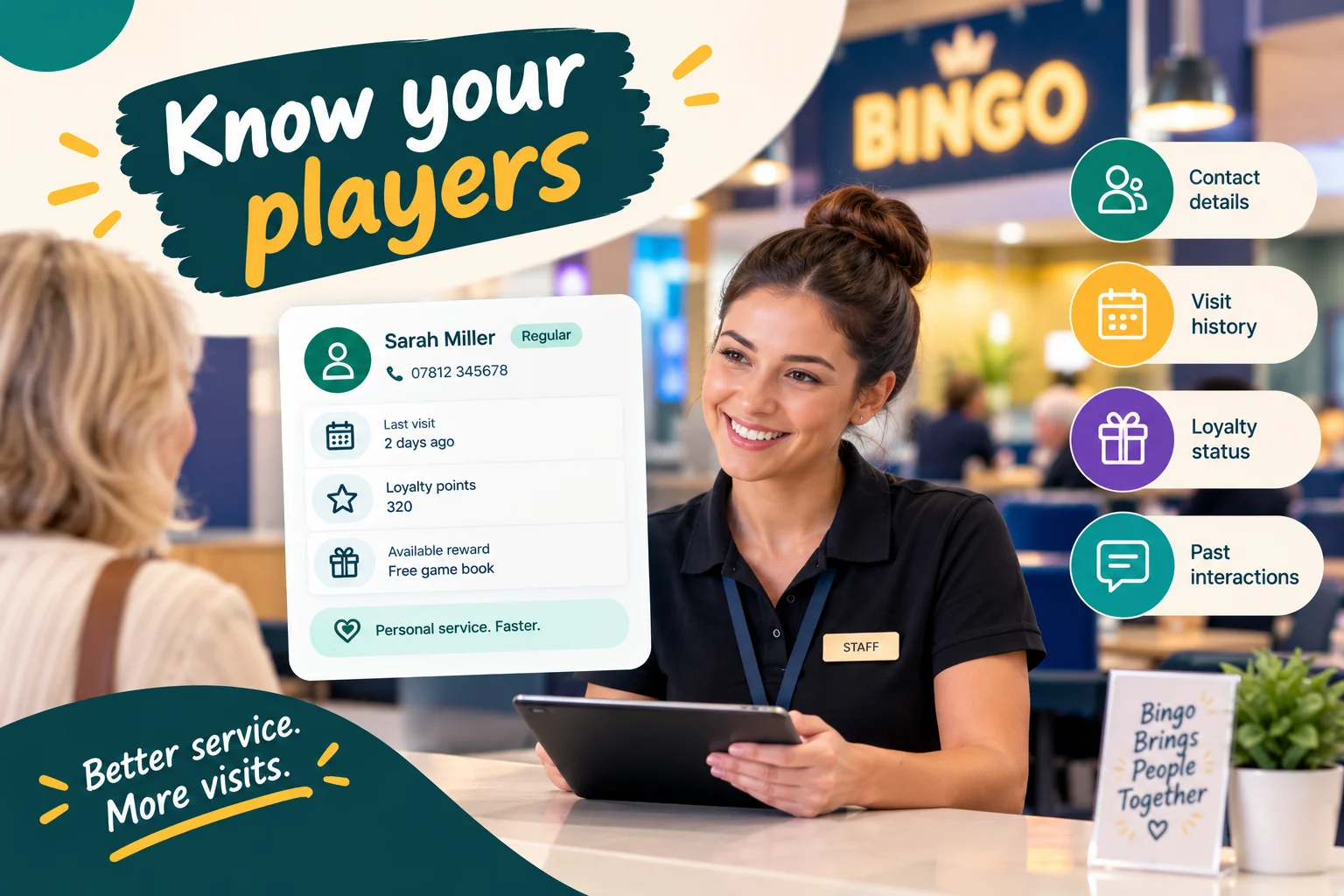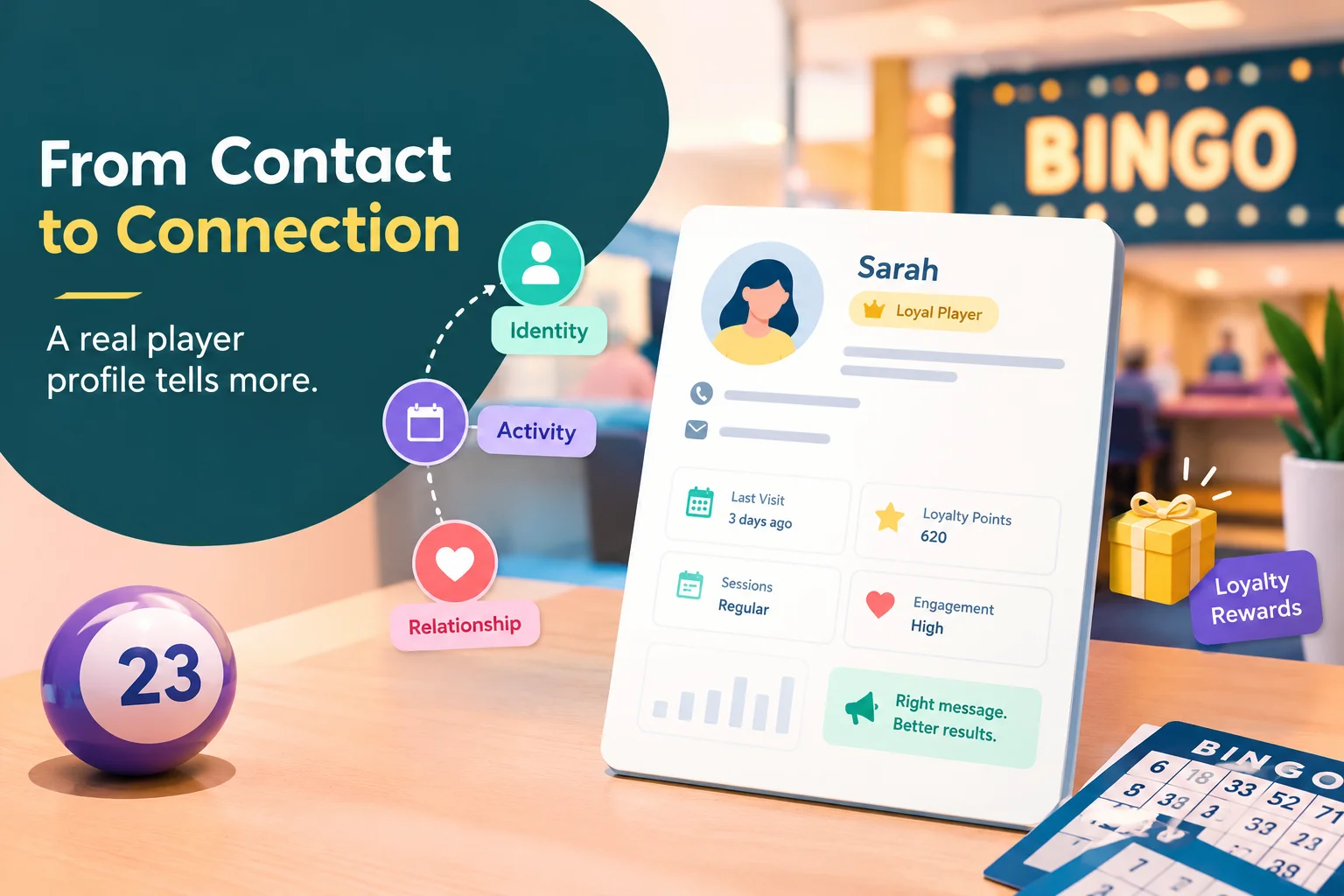
A bingo hall manager reviews the player database before Friday's session. The system contains hundreds of names, contact details, and loyalty records. Yet several important questions remain unanswered.
Which players prefer the quieter weekday sessions? Which members have specific accessibility requirements? Are long-standing members still being recognised correctly after a database migration? And which player preferences could help staff deliver a better experience without asking the same questions repeatedly?
The problem is not necessarily a lack of data. It is that the system may not capture the details that matter to the hall.
Standard CRM fields cover common information, but every venue has its own operating routines, membership arrangements, player preferences, and service requirements. When those details exist only in handwritten notes, spreadsheets, or employees' memories, they are difficult to search, maintain, and use consistently.
Custom CRM fields give bingo operators a way to record hall-specific information directly within player records. More importantly, they can make that information useful for service, segmentation, campaign planning, and attendance-related decisions.
The real opportunity is not to collect more data for its own sake. It is to identify which details help the hall understand its players and remove barriers to repeat visits.
Start With the Attendance Questions Your CRM Cannot Answer
Before adding a new field, consider what the hall wants to understand or improve.
A useful custom field should help answer a real operational question. Otherwise, it risks becoming another entry that staff must maintain without receiving much value in return.
Here are five questions worth examining.
1. What makes a particular session more suitable for a player?
Some players may prefer a particular day, time, or style of session. Recording a relevant preference can help staff provide better information and help marketing teams make communications more appropriate.
2. What information would help us serve players more comfortably?
Where voluntarily provided and appropriately recorded, accessibility requirements or other relevant service needs can help staff prepare for a player's visit.
3. Which membership details are missing from the standard profile?
A hall may have legacy membership numbers, locally defined membership categories, or internal identifiers that do not fit neatly into standard CRM fields.
4. Which milestones should the hall recognise?
Membership anniversaries and other relevant dates may create opportunities for recognition, provided the information is accurate and the communication is appropriate.
5. Which player groups need different operational treatment?
A hall might need to distinguish VIP members, members of a particular programme, or players who have selected a specific service preference. A structured field can make that distinction easier to apply consistently.
These questions provide a better starting point than browsing a CRM's field options and adding everything that seems potentially useful.
Five Types of Custom Fields That Can Make a Difference
JustKonnect's Custom CRM Fields feature allows bingo halls to add information specific to their operations and keep it within the player profile.
The most useful field types depend on what the hall needs to record.
1. Text fields for details that need explanation
Text fields are suitable when information cannot be captured accurately using a simple predefined option.
Examples include:
- A legacy membership reference.
- A specific seating preference.
- An operational note explaining an agreed service arrangement.
- An additional identifier used in an older membership system.
Suppose a hall has migrated records from a paper-based membership scheme. Some long-standing players have reference numbers that staff still use when answering membership enquiries.
A dedicated text field allows the hall to preserve that reference within the relevant player record rather than maintaining a separate lookup spreadsheet.
The important consideration is consistency. If staff enter the same information in different formats, searches become less reliable. Define a simple entry rule and explain when the field should be completed.
2. Dropdown fields for consistent categories
Dropdowns work well when information belongs to a known set of options.
For example, a hall might use a dropdown to record a locally defined membership category or a player-selected session preference.
Instead of entering variations such as "VIP," "VIP Member," and "Gold VIP" into a free-text field, staff select the appropriate predefined option.
This makes records easier to filter and helps different employees apply the same terminology.
Dropdowns are especially useful when a field will be used for segmentation or reporting. The available choices should be clear, mutually understandable, and reviewed whenever the hall changes its programme.
3. Date fields for milestones and time-sensitive information
Some information is useful because of when it occurs.
A membership anniversary date, for example, may help the hall identify players reaching a meaningful milestone. Other dates might relate to a locally managed membership process.
A structured date field is more useful than burying the date in a paragraph of notes because the value can be searched and handled consistently.
Before using date fields for automated campaigns, confirm that the CRM and campaign tools support the required date-based rules. Recording a date does not, by itself, guarantee that a message will be triggered automatically.
4. Checkbox fields for simple yes-or-no distinctions
A checkbox can record whether a particular condition applies.
For example, a hall might need a clear indicator that a player has requested a specific service arrangement, provided the information is necessary and handled appropriately.
However, not every detail belongs in a simple checkbox.
Health information, allergies, and accessibility requirements can be sensitive. Collect only what is necessary for a legitimate operational purpose, explain how the information will be used, restrict access, and establish procedures for keeping it accurate.
A checkbox is a way to structure information, not a substitute for appropriate privacy and safety practices.
5. Additional structured fields for hall-specific requirements
Some halls operate membership schemes, local programmes, or service arrangements that do not match the assumptions built into a standard CRM.
Custom fields can help accommodate those differences without forcing every venue to organise its player records in exactly the same way.
The guiding principle is to make the field reflect a real distinction the hall needs to manage. If two values would never lead to different actions, there may be little reason to store them separately.
The Connection Between Custom Fields and Attendance
Custom fields do not fill seats by themselves. Their value comes from helping the hall make better decisions about service and communication.
Consider three illustrative situations.
Scenario A: The hall wants to improve session communication
A venue finds that some players regularly ask about particular session times. It introduces a structured field for a relevant, player-selected session preference.
The marketing team can then explore whether this information helps organise session announcements or identify appropriate audience segments.
The field does not prove that a player will attend a particular session. It provides a useful starting point for making communication more relevant.
Scenario B: Staff need to recognise an existing membership arrangement
A hall has a group of long-standing members whose membership references were originally recorded on paper.
A custom field preserves those identifiers in searchable player records. Staff can retrieve the relevant information more easily when dealing with membership enquiries.
This improves continuity and reduces avoidable administrative friction. While it does not directly increase attendance, a smoother membership experience can support the wider service environment that encourages players to return.
Scenario C: The operator wants to recognise membership milestones
A venue records membership anniversary dates for players who have supplied the information and agreed to its appropriate use.
The operator can review upcoming milestones and decide whether a recognition message or another suitable gesture makes sense.
If the CRM supports date-based campaign segmentation, the information may also support a more organised workflow.
The result is an opportunity to test whether milestone recognition improves engagement—not an assumption that every message will generate another visit.
In each scenario, the custom field supports a specific operational purpose. Attendance impact should be measured separately rather than attributed to the field automatically.
Custom Fields Work Best Alongside Standard Attendance Data
One common mistake is to expect custom fields to replace the information a bingo hall already needs to track.
They serve different purposes.
Standard attendance data helps operators understand what has happened: when a player last attended, how often they visit, and how their activity changes over time.
Custom fields add context that may not fit into those standard records: a preferred session, a membership reference, a relevant service preference, or another hall-specific detail.
Together, the information can provide a more useful picture.
For example, an operator might notice that a player's attendance has declined. Attendance data flags the change, while a relevant player-selected preference may help the team decide whether to consider communication.
The preference should not be treated as proof of why the player stopped attending. It is simply another piece of context.
JustKonnect brings player records together with CRM capabilities focused on attendance. Explore Player Profiles CRM to understand how custom information can sit alongside player activity and engagement data.
Turning Custom Fields Into Searchable Player Segments
A field becomes more valuable when the team can use it to organise work.
Imagine a hall has recorded a membership category for each relevant player. If the CRM supports searching or segmentation using that field, staff can identify the appropriate group without manually scanning every profile.
The same principle may apply to a session preference, membership milestone, or another structured value.
A practical workflow looks like this:
- Define the question. Decide what the hall needs to identify, organise, or improve.
- Choose the field type. Use text, dropdown, date, or checkbox fields according to the information being recorded.
- Standardise the entries. Establish clear rules so staff record the same information consistently.
- Populate the records. Add the information manually, through supported imports, or during registration and check-in where appropriate.
- Build a useful search or segment. Use the field to find the relevant group if the CRM supports that capability.
- Decide on the action. Determine whether the information supports a service improvement, an operational task, or an appropriate communication.
- Review the outcome. Check whether the workflow saved time, improved accuracy, or contributed to a measurable engagement result.
JustKonnect's Custom CRM Fields feature supports creating field definitions, populating information manually or through imports and check-in, and using data in searches, segments, and campaigns. The precise workflow depends on the field and the platform configuration.
This is the difference between having custom fields available and incorporating them into daily operations.
When Custom Fields Become a Problem Instead of an Advantage
Adding fields is easy to justify because every new detail seems as though it might be useful one day. Over time, however, an oversized CRM can become difficult to maintain.
Several warning signs deserve attention.
Fields with no clear purpose. If no one can explain what a field helps the hall do, it may not be worth maintaining.
Duplicate information. Recording a membership status in several places increases the risk that one record changes while another remains outdated.
Inconsistent terminology. Free-text entries that describe the same thing differently make filtering and reporting harder.
Information that nobody updates. A preference recorded several years ago may no longer reflect what the player wants.
Sensitive details without adequate safeguards. Information about health, accessibility, or personal circumstances should not be collected casually or made broadly visible to staff.
Assuming a field automatically creates an outcome. A recorded preference does not guarantee a successful campaign, and a segment does not automatically improve attendance. The operator still needs an appropriate process and a way to assess results.
A smaller collection of reliable, actionable fields is often more useful than a large database full of inconsistent details.
How to Decide Which Custom Fields to Add First
A sensible starting point is to list the recurring problems staff encounter and rank them according to their operational impact.
For each proposed field, ask:
- What decision or task will this information support?
- Is the information already available somewhere else?
- Who is responsible for recording and updating it?
- Can staff use it in a search, segment, report, or service workflow?
- Does collecting it serve a legitimate purpose?
- Is the information sensitive or subject to additional access restrictions?
- How will the hall know whether the field is helping?
Prioritise fields that solve an existing problem and can be maintained consistently.
For example, preserving a legacy membership identifier may solve an immediate administrative issue. Recording a preferred session may help organise communications if players have supplied that preference. A speculative field with no defined use can wait.
Review the list periodically. As the hall's programmes, membership arrangements, and operational requirements change, some fields may become more valuable while others can be retired.
Measuring Whether Custom Fields Are Worth Maintaining
A custom field should have a clear reason to remain in the CRM. The hall does not need to prove that every field increases attendance directly, but it should be able to identify the practical value it provides.
Depending on the field's purpose, useful measures may include:
- Time saved: Does staff access to the information reduce repeated searches or manual lookups?
- Record completeness: Are the fields that matter being populated accurately?
- Service consistency: Can different staff members follow the same process using the recorded information?
- Segmentation quality: Can the team identify the intended player group without cleaning up records manually?
- Campaign performance: Where a field supports a campaign, do eligible groups show differences in delivery, response, or attendance compared with an appropriate baseline?
- Data maintenance: How often do entries require correction, and who is responsible for resolving problems?
For attendance-related campaigns, define the measurement period and compare results carefully. Attendance may change for several reasons, including seasonal patterns, event schedules, and other promotions. Avoid attributing every improvement to a custom field or a single message.
The aim is to build a more reliable decision-making process, not simply a longer player database.
Frequently Asked Questions
What are custom CRM fields for bingo halls?
Custom CRM fields let operators record information specific to their venue that may not be included in standard player records. Examples include session preferences, legacy membership references, membership categories, and relevant milestone dates.
How can custom CRM fields help improve attendance?
They can help operators organise relevant player information, create useful segments, and plan more appropriate communications or service improvements. Any attendance benefit should be evaluated through actual results rather than assumed simply because a field exists.
What is the difference between a custom CRM field and a note?
A note is generally suited to contextual information that may require explanation. A custom field stores a defined value in a consistent format, making it easier to search, filter, or use in supported segments and campaigns.
Which custom fields should a bingo hall create first?
Start with information that solves a recurring operational problem. Depending on the venue, that might include membership identifiers, a player-selected session preference, a membership category, or a relevant milestone date. The right starting point depends on the hall's needs.
Can custom CRM fields be used for player segmentation?
They can support segmentation when the CRM allows the relevant field to be used in searches or segment rules. Operators should confirm that the required field type and workflow are supported before designing a campaign around them.
Should bingo halls record accessibility needs or allergies in custom fields?
Only where collecting the information is necessary for a legitimate operational purpose and it can be handled appropriately. Such details may be sensitive, so operators should minimise collection, restrict access, explain how the information will be used, and maintain accurate records. A custom field alone does not guarantee compliance or safe handling.
How often should custom CRM fields be reviewed?
Review them regularly and whenever membership programmes or operational processes change. Check whether each field still has a clear purpose, whether staff use it consistently, and whether outdated or duplicate information needs to be corrected or removed.
Build a CRM Around the Way Your Hall Actually Operates
Your hall does not need to record every possible detail about every player. It needs to capture the information that helps staff serve people well, organise operations, and make more informed engagement decisions.
Custom CRM fields make that possible by bringing venue-specific information into a structured player record, where it can be maintained and used rather than forgotten in a spreadsheet or an old note.
If your current system cannot accommodate the details that matter to your venue, explore JustKonnect's Custom CRM Fields.
See how a more flexible player database can support your hall's membership requirements, service processes, and targeted engagement—while keeping the focus on the data that has a clear purpose.